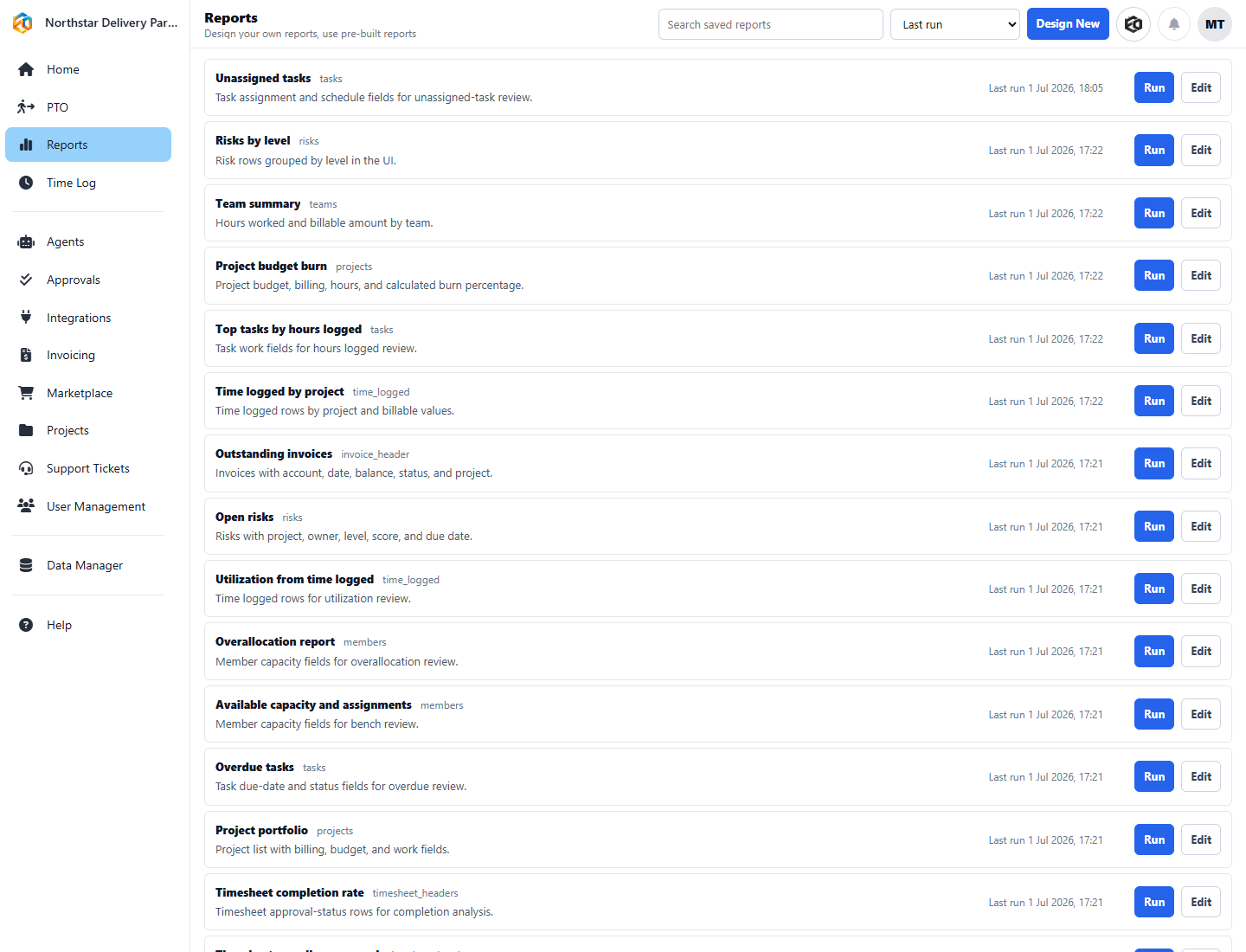
Reusable operating questionsProject risk, budget burn, time, invoices, utilization, capacity, and overdue work are available without rebuilding the query each week.
Beyond projects, billing, and tickets, Eos covers the operational work that keeps a services business running: who is scheduled where, who is away, what leaders need to see across the business, and how the system adapts to the way your team actually operates.
Build shifts by type and location, check coverage against qualifications and time away, and route swap requests without a spreadsheet on the side.
PTO, balances, and approvals stay visible next to staffing and delivery work instead of living in a separate system nobody checks.
Reporting and dashboards turn project, time, billing, and capacity signals into questions leaders can actually act on.
Shifts are modeled with types and locations, plus assignment preferences and swap requests, so coverage decisions can account for the skills and certifications a shift requires and the PTO that would otherwise create a gap.
Time-away requests, balances, and approvals sit next to staffing and delivery work, so a PTO request is never a surprise discovered on the day a shift or a deadline needs coverage.
Build views around the questions leaders actually ask, export results, and use reports as a starting point for action instead of a static snapshot.
Capture the details that matter to your business, then use that context in records, reports, imports, and agent-assisted work.
Admins can inspect and manage operating data directly, which makes cleanup, imports, and troubleshooting easier.
Reusable starting points for projects, shifts, and agents help teams get value faster, then adjust to match their own process.
See coverage gaps, PTO conflicts, and certification expirations before they become a missed shift, and let agents handle the reminders and routing.
Get one reporting layer across capacity, delivery, and finance instead of stitching together exports from separate tools.
Shift Coverage and Swap Workflow, WhatsApp Shift Reminder, PTO Request Approval Workflow, and the Weekly Operations Report Pack are all installable templates in the Agent Library.