How does an automated time-approval workflow work?
Eos checks time records, identifies missing information or exceptions, routes the review, records the approval, and locks approved entries according to policy.
The Time Approval Agent finds missing and incomplete entries, contacts the right people, coordinates manager review, returns rejected time for correction, and locks approved entries for billing.
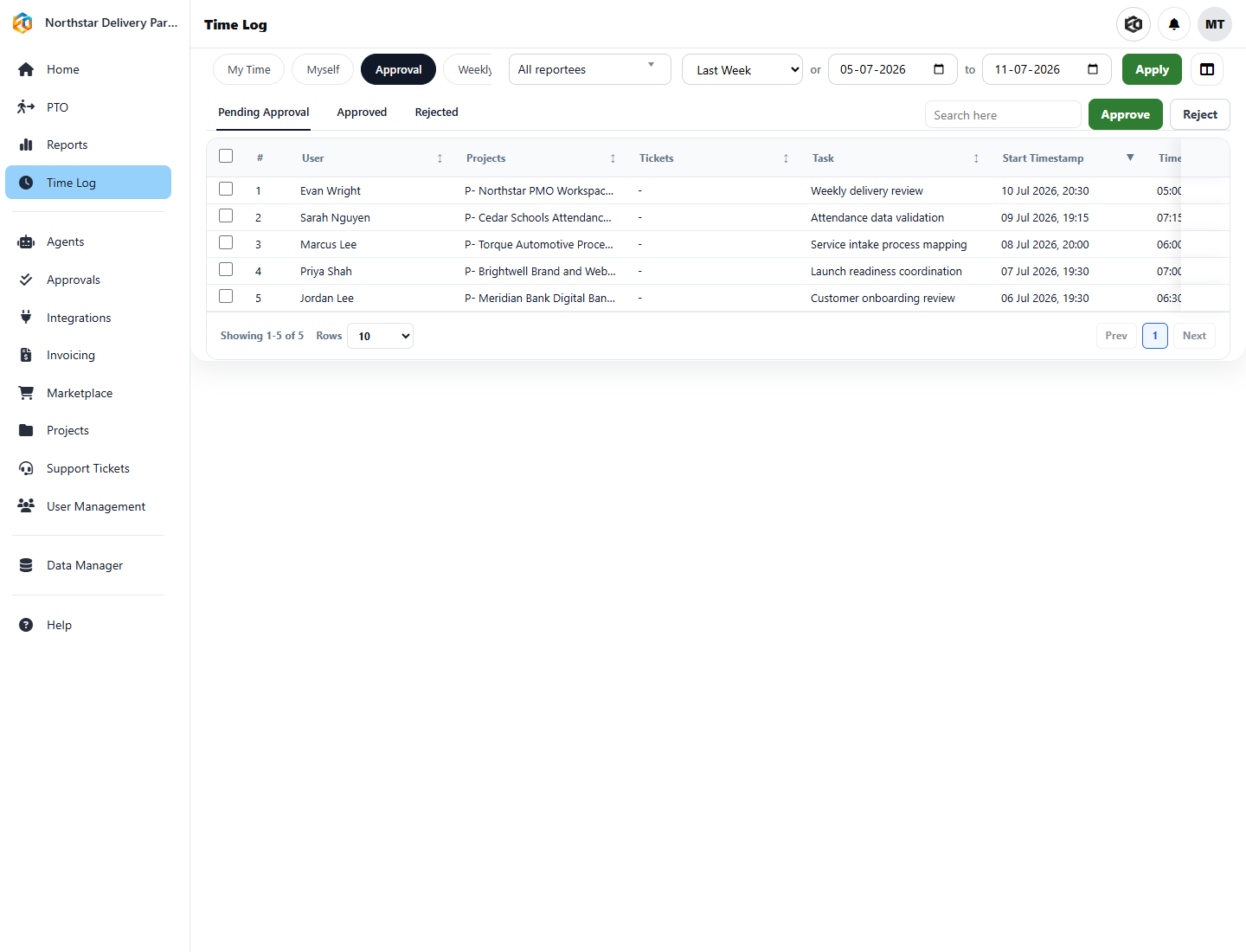
The Agent can identify missing days, low hours, incomplete notes, entries without a project or task, excessive hours, and missed submission deadlines. Reminders stop when the person has done the work; managers receive the items that actually need review.
Approval is not merely a notification. Approved time is locked and becomes eligible for the billing process, while rejected entries retain the reason and return for correction.
Find gaps and send reminders through the channels your team uses.
Give managers the time, project, task, notes, and exception context required for a decision.
Protect approved entries from casual changes and make them available for billing.
We’ll demonstrate the Agent using your submission cycle, exception rules, and manager structure.
Eos checks time records, identifies missing information or exceptions, routes the review, records the approval, and locks approved entries according to policy.
Yes. The Agent can identify missing or incomplete entries from the records available to the configured process.
Approved entries can be locked and made ready for an authorized billing workflow, including invoice preparation.
Eos supports both integrations. The exact handoff depends on your connection permissions and Agent configuration.