How do you automate project status updates?
Configure an Eos Agent to review the project records, apply your status rules, prepare the update, and route it to the designated reviewer or channel.
The Project Health Agent reviews the operating data behind delivery, identifies material changes, and prepares an update for the people who need it. Nobody has to spend Friday afternoon collecting green, amber, and red opinions.
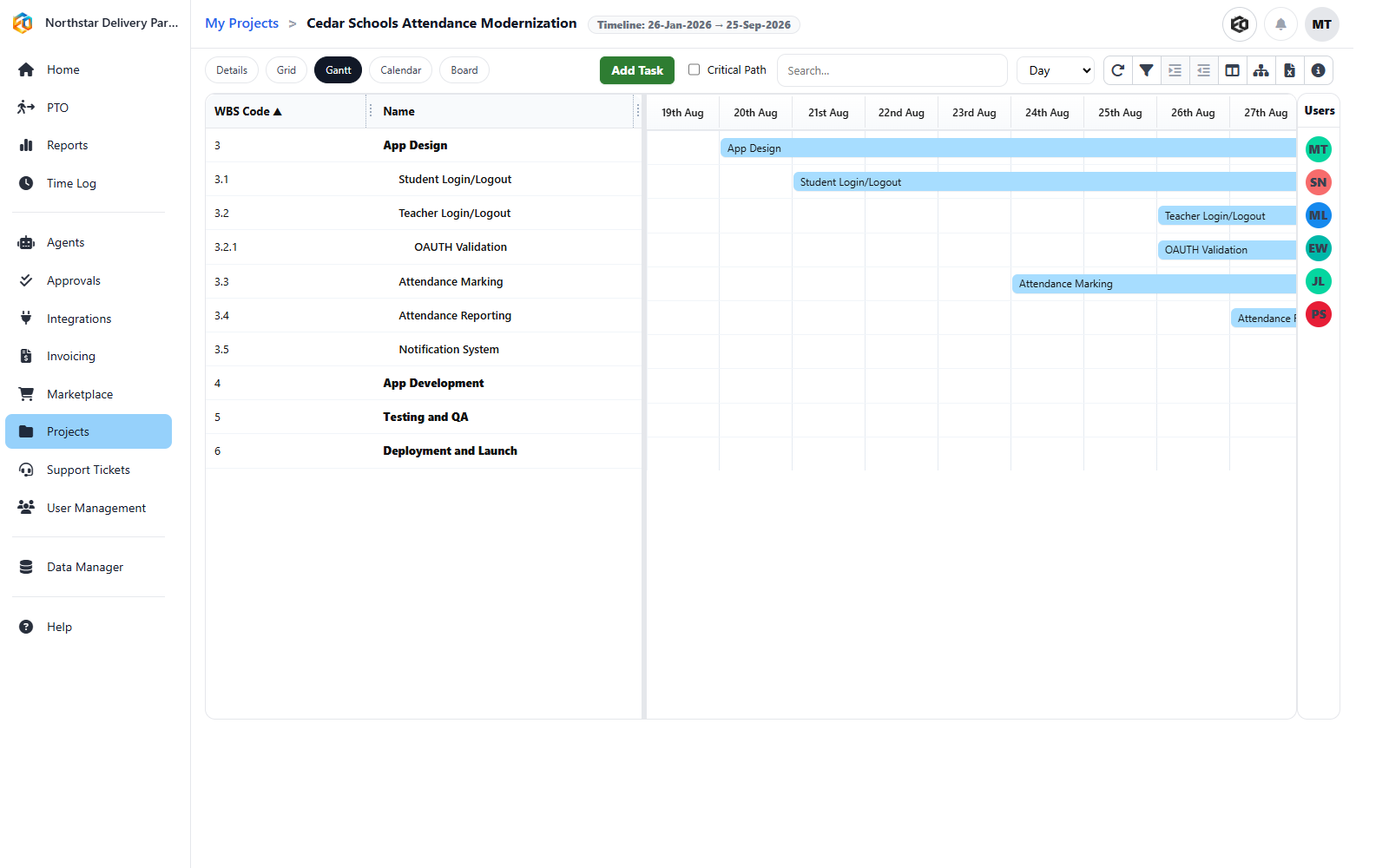
It can review milestones, overdue and blocked tasks, dependencies, budget burn, actual versus planned hours, recent activity, scope-creep signals, staffing pressure, decisions, approvals, and open risks. It can work from Eos records and connected project data in Salesforce or Jira Cloud.
A project pulse, portfolio summary, risk register, client update, or executive brief, sent through the channel and approval path you configure.
Run daily, weekly, or on demand, using the same checks each time.
Show which records produced the warning instead of presenting an unexplained score.
Notify the owner, create the follow-up, request approval, or prepare the stakeholder update.
We’ll map the signals you trust, the audience you report to, and the actions that should follow a warning.
Configure an Eos Agent to review the project records, apply your status rules, prepare the update, and route it to the designated reviewer or channel.
It can use milestones, tasks, dependencies, hours, budget signals, activity, staffing pressure, approvals, and risks available to the configured process.
Yes. Eos supports Jira Cloud and Salesforce connections, subject to the permissions and configuration of your organization.
Only when the Agent has an explicit action, permission, and approval policy. A status summary does not imply unrestricted write access.